Yes, I’m so excited to share this major freebie with you all, my dear readers!
And, of course, you can either scroll down to learn even more, or just get your hands on the journal you’ve been waiting to see right here…
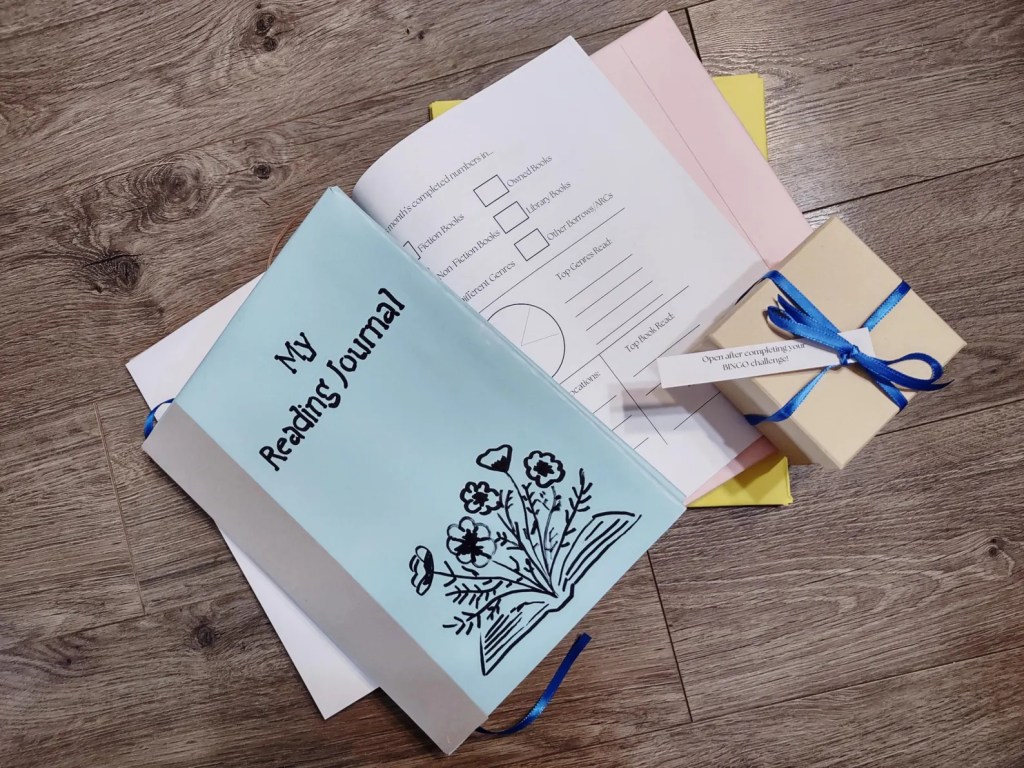
NEW: Looking for a physical journal that’s shipped right to your doorstep?
Check out this full premium reading journal, which has been expanded and revised for readers just like you. Now personalizable and available in three colors!
Now, I just made a quick video about this on TikTok yesterday, and you can see that below, but I wanted to share the word here to let you all in on, honestly, this not-so-secret-secret…
So, you guys know that I love giving special lil’ gifts to my readers all the time (like a totally free audiobook/ebook combo that you can get, too, when you sign up for my newsletters with your e-mail address here!), and this one is kind of the biggest gift I’ve got to give. So far, that is.
I came up with the idea to make this digital reading journal just by browsing the digital side of Etsy, where I found a lot of downloadable reading materials. Of course, some of those were even larger files with hundred and hundreds of pages… but, hey, I figured I could still come up with something manageable to make, inspired by those. And thus… I played around on Canva for a few days to make this 50-page reading journal!
Pst… want more downloadable freebies?
You can also get these right now:
- A free painting journal/workbook
- A free mental wellness journal
- A free book review guide
- A free Bookstagram post scheduler
- Your free guide to Bookstagram/BookTok (an ebook)
- Even more reading-related freebies!
Now, I know, I know, you all are probably dying to take a peek inside the reading journal… so, here’s some screenshots!
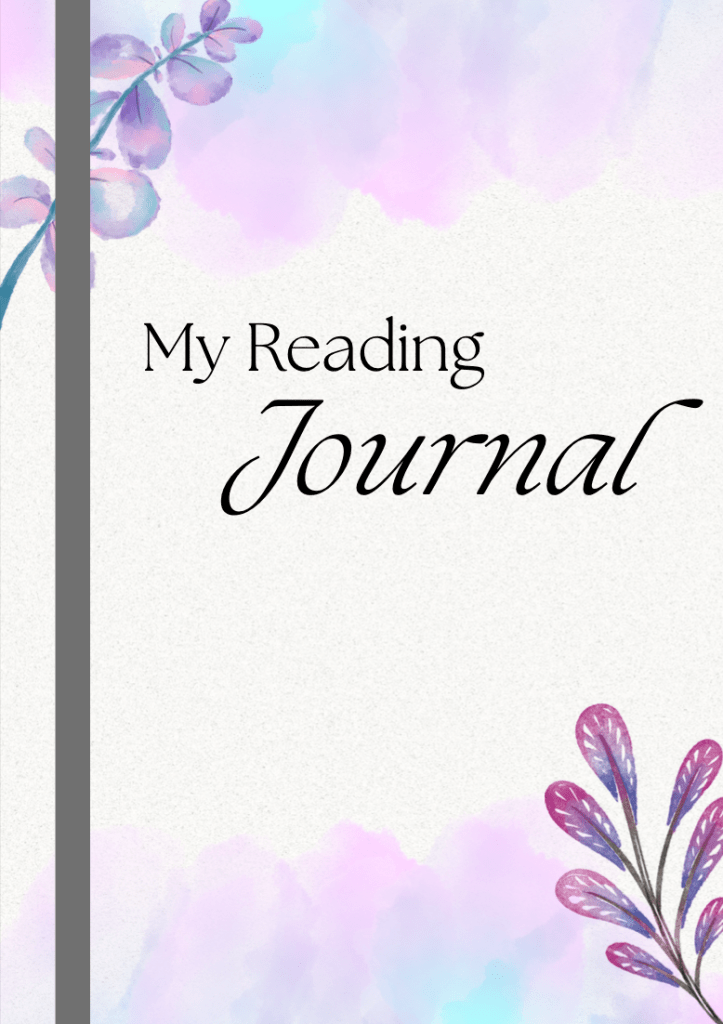
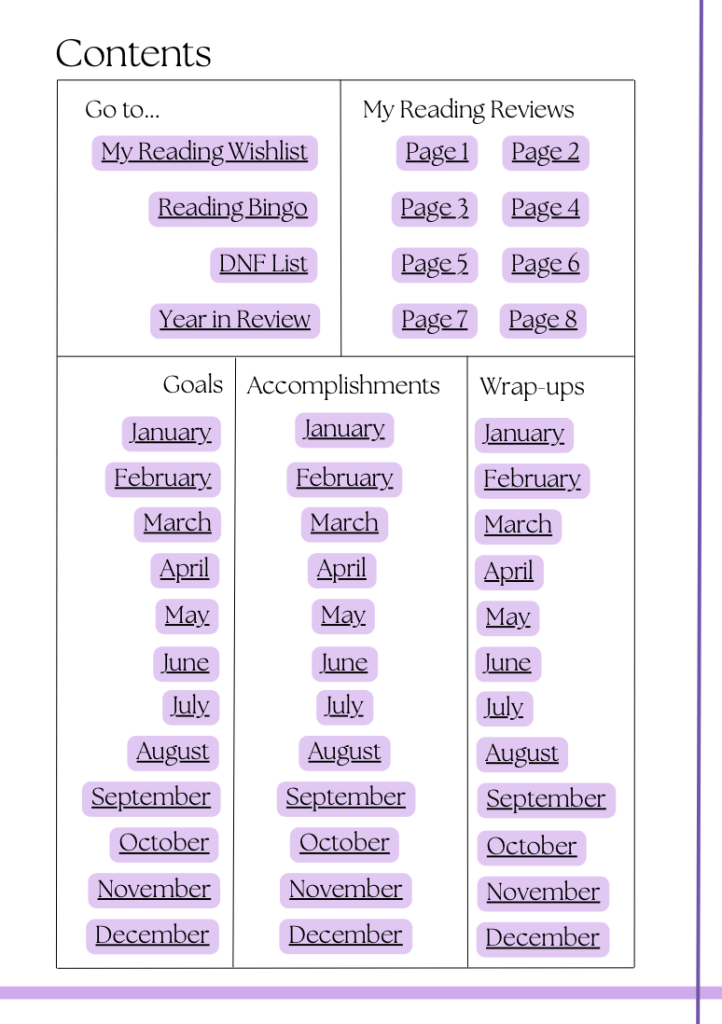

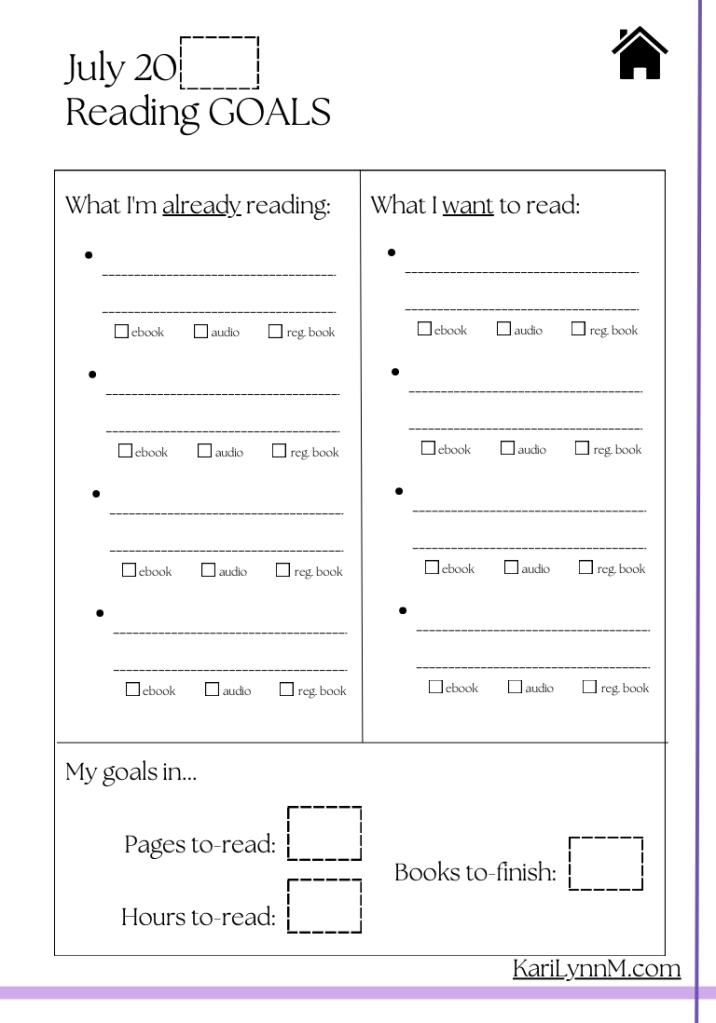
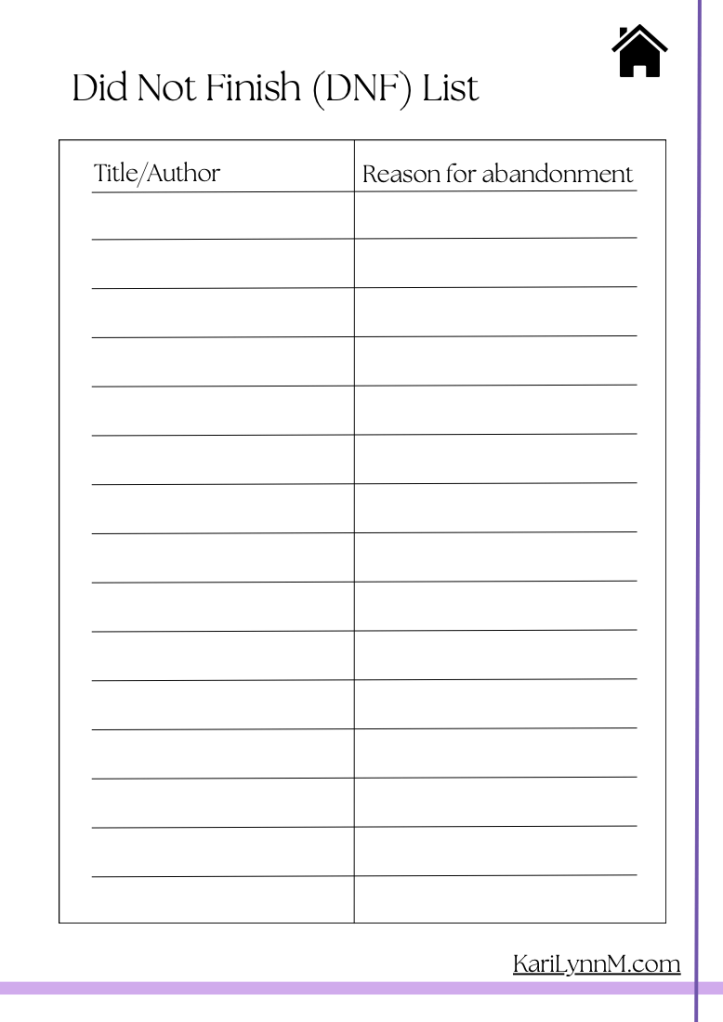
Now, there are probably a ton of sites out there that would offer you a similar journal/document with a lot of strings attached… but, dear friends, that’s not how we do things here. To unlock and download this reading journal, all you have to do is click the button below. Or the one I left above or the one at the end of this post–just in case you miss it.
When you click the button to download the journal, your device should automatically open the journal as a PDF file in a new browsing tab. From there, you can browse through, again, all 50 pages I’ve made for you, and then you’ll want to make sure you save the document to your device.
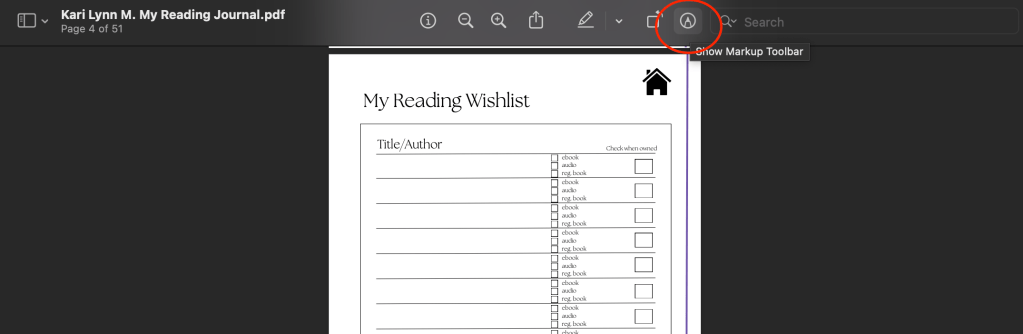
After that, you should be able to edit and markup the journal with any markup app/program of your choice. A lot of devices, including tablets, smartphones, and laptops, automatically include a markup or pen button at the top or on the side of any PDF you open. The process for writing in your journal will definitely vary depending on your device, but I’ll show you how I write on my document on my Mac (laptop)…
So, now that we’ve got the technical details out of the way, here’s the lowdown on all the pages and features you’ll find in this special lil’ journal!
Journal pages:
- 8 Book review pages
- 12 Monthly reading goals pages
- 12 Monthly reading accomplishments pages
- 12 Monthly wrap-up pages
- A reading wishlist page
- A reading BINGO page
- A did-not-finish (DNF) page
- A year in review page
Journal features:
- A fully interactive table of contents (TOC) page
- A home button on every page that links back to the TOC
- A link to the KariLynnM.com (my) website on every page
- All print-friendly pages
Now, a small word to the wise… be sure to save your journal every time you edit it! Otherwise, any writing or marks you make to your journal will not be kept, and then you’ll probably end up pretty frustrated after you realize your entire monthly wrap-up has disappeared on you.
Lastly, I’d like to point out two final things…
- All pages, as mentioned above, are printable, and you can certainly print this entire journal and use it in tangible instead of digital form. Just keep in mind that the complete journal is 50 pages long (51 including the cover) and is designed in full color.
- This journal includes month-based pages, but it can be used and re-used any year. I purposefully left a blank ‘year’ box on every month-based page for you to fill in yourself. So, for example, you can use the May pages for ‘May 2023’, ‘May 2024’, etc.
And, that’s all I have to share with you all today! Besides one small note…
If you do decided to start using this digital/printable reading journal, be sure to share your thoughts with me in the comments below! Let me what you love about the journal, what you’re using it for, and, perhaps, if there’s any special type of pages you would like to see added to a (maybe) future journal. You can also get in touch with me through e-mail by using this form located here.
You can also feel free to share this journal with others (but no reproductions for sale, please), share it on social media, and the like.
Now, let’s all get reading… and journaling!
–Kari✍️

 Kari Lynn M.
Pingback: Get a FREE “BookTok” Puzzle Book! – Kari Lynn M.
Pingback: The Top 8 Reading Freebies in 2024 – Kari Lynn M.
Pingback: Snatch Up This Free Bookstagram Post Scheduler (Pst… It’s Printable!) – Kari Lynn M.
Not sure if it’s just me but I’m not really sure how to save this on my iPad’s PDF. I just wanted to try digital journaling to see how it is before I decide to actually purchase templates from Etsy. Nonetheless, any kind of help is appreciated!
LikeLike
Hey there!
To download this PDF, all you need to do is hit one of the download buttons above. From there, the file should open automatically. If you want to save it to your device, you will have to hit something like “File –> Save As” in the tab menu of your web browser, if you can. If for some reason the file will not open or save to your device, you may need to try using a different device (I’m not 100% sure, but older models may have trouble). For an iPad, though, you should definitely be able to open and save the file!
–Kari
LikeLike
What program for iPad do i need? 😊 Bella
LikeLike
Hi Bella!
You may not even need to download a new program or app to use this journal on your iPad!
I tried downloading and editing/saving it with an iPad (that was basically fresh out of the box) and had no issues. It can take some time to figure out where the editing buttons are on your device, though, so play around with it and give yourself time to figure out what works best for you. I’m not an expert on what PDF editing apps are out there, but you can always download a free editing app to help you out if need be!
–Kari
LikeLike
Pingback: Get a Free Book Review Guide (Digital + Printable PDF) – Kari Lynn M.
Pingback: 5 Ways to Fit More Reading into Your Busy Schedule – Kari Lynn M.