Welcome back to the blog, fellow painters! Or, if you’re completely new here… welcome to you, too!
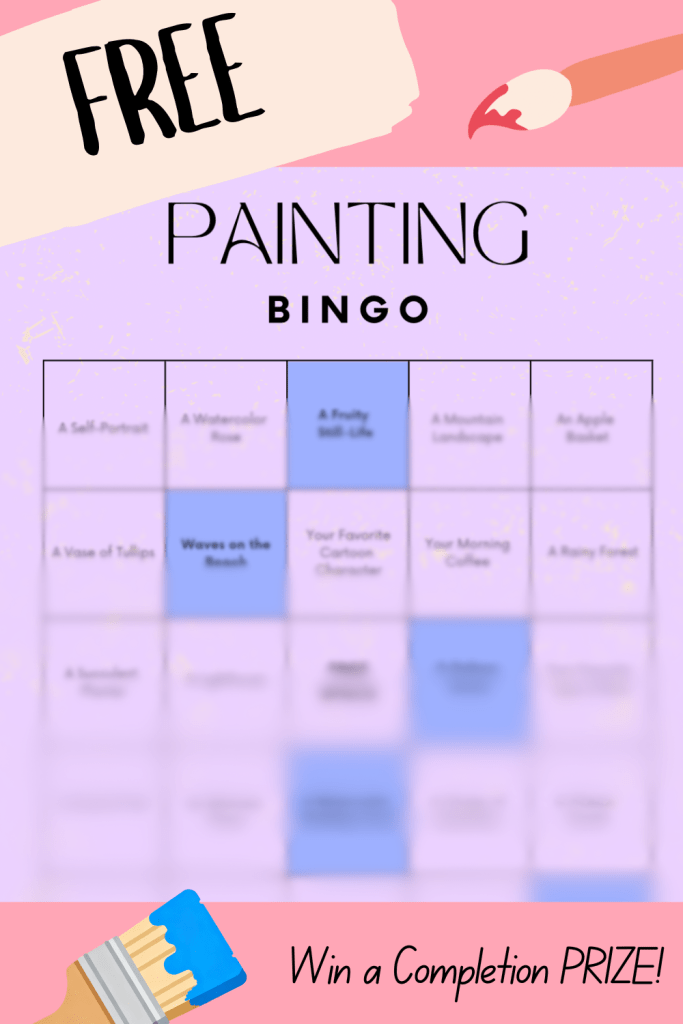
Today, we’re going to share a totally free (and totally awesome) BINGO painting challenge with you. It’s an interactive and downloadable BINGO card that you can use for yourself or share with others. Plus, if you happen to score a BINGO, you have the option to snag a free bonus painting class. Talk about a win-win!

To get started, just hit the button below to get the BINGO card. From there, you’re going to see a bunch of spaces that you can fill as you complete the suggested painting challenges (like paint your favorite type of bird or paint a rainy forest scene).
Mark off each space as you go (we’ll show you how to do that on your device in just a minute, don’t worry!), and then keep at it until you score five in a row, five in a column, five in a diagonal, or even just the four corners.
Now, here’s the super important part: Once you’ve got a BINGO, be sure to click here and claim your prize! All you’ll need to do is provide your name and e-mail address. And then, of course, you’ll get an e-mail back that will unlock your free bonus painting class!
Sound great, doesn’t it?
How to “Mark-Off” Squares on Your Card
Now, this BINGO card is a PDF file, so it’s super interactive. On just about any device, you’ll be able to “cross-off” each BINGO square as you get them completed. Here’s how…
Everyone’s device, whether you’re using a phone, tablet, or computer, will have slightly different settings. However, most devices allow you to “edit” PDF files, including this BINGO card. Just look for an “edit” or “pen” button somewhere (usually at the top) of the card when you open it.
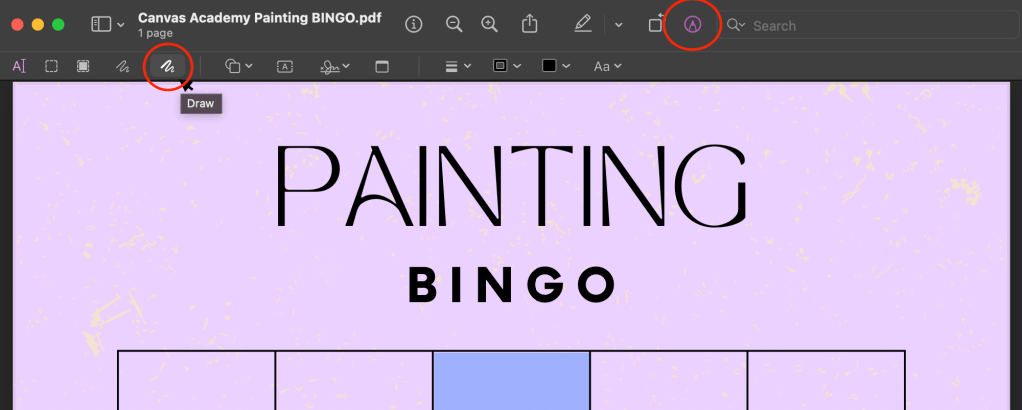
For example, most Apple devices (like this one above—a MacBook) have a “markup” button that you will see upon opening the BINGO card. Hit this button to see a “draw” option, which is essentially a pen that you can use to make marks on your card.
Finding a pen or drawing tool can be tricky if you don’t know where it might be hiding on your device, so it may help to search up “how to write on a PDF file on [name of your device]” if you need additional help. Once you find a pen tool, though, you can make Xs or other markings on your BINGO card.
And, pro tip here: be sure to hit ‘save’ after making marks so you know they’ll be there later!
What’s the “Prize” Painting Class for Getting a BINGO?
Oh, we know you wanna know…
After completing your BINGO card, you can snatch a free “prize” as a reward! Remember, you just need fill out this form here, and then we’ll get your prize sent back to you as soon as we can.
But what will your prize be, you ask? Well, here’s a sneak peek at it…
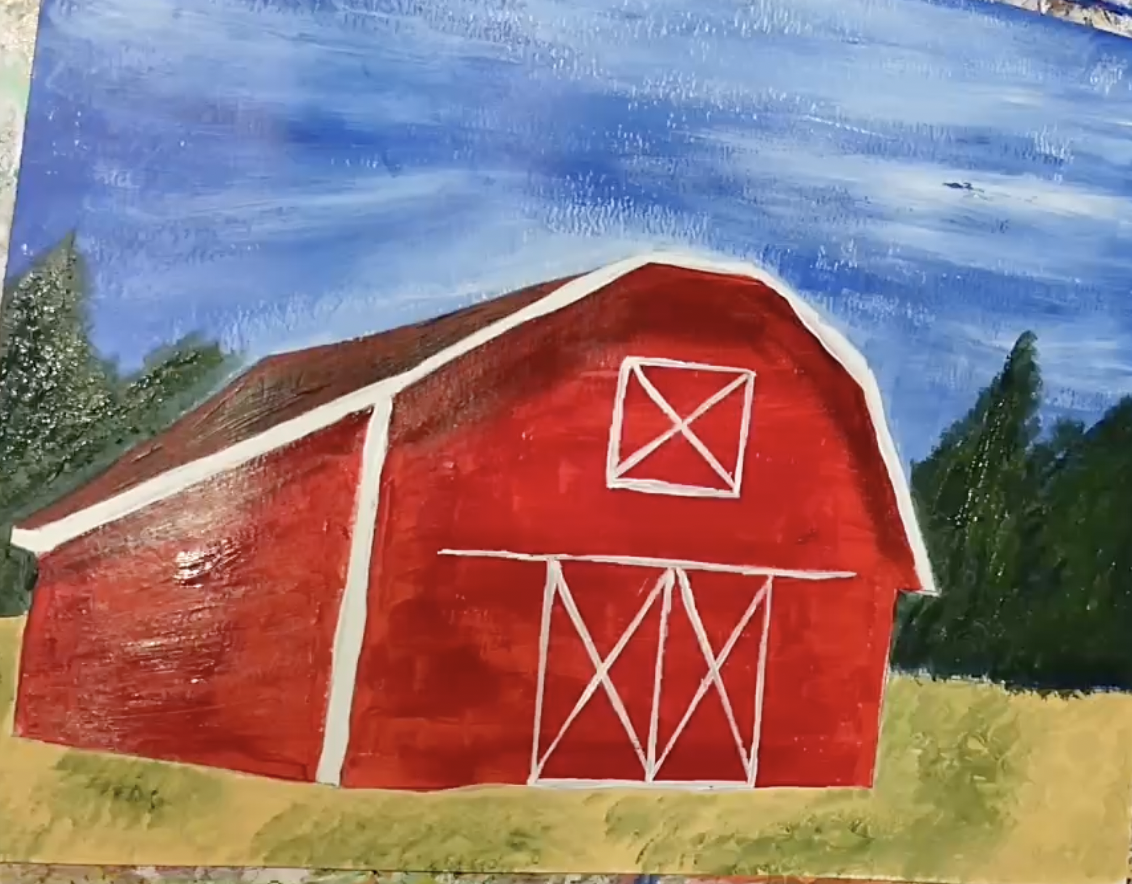
Yep, it’s a full, in-depth painting class!
And the subject?
A classic red barn on a green landscape.
It’s totally beginner-friendly, and it’s a class that’s going to teach you more than just how to “make” the picture. It’s going to show you how to mix paints properly, how to blend paints on the page, and how to take skills like these with you into your future paintings.
So, get yourself a BINGO, and get ready to claim your prize!
What Do the Blue BINGO Squares Do?
The blue squares on your BINGO card are clickable—and they will take you to free online painting classes to help you complete the item listed in that square.
The free classes featured on the card include how to paint:
You do not necessarily have to take these painting classes in order to finish your BINGO card. However, the classes are available for you to take anytime, anywhere, so feel free to take advantage of all of them!
Looking for More Free Ways to Paint?
If you want to become a better artist on a budget, be sure to check out these other resources offered for free through Canvas Academy.
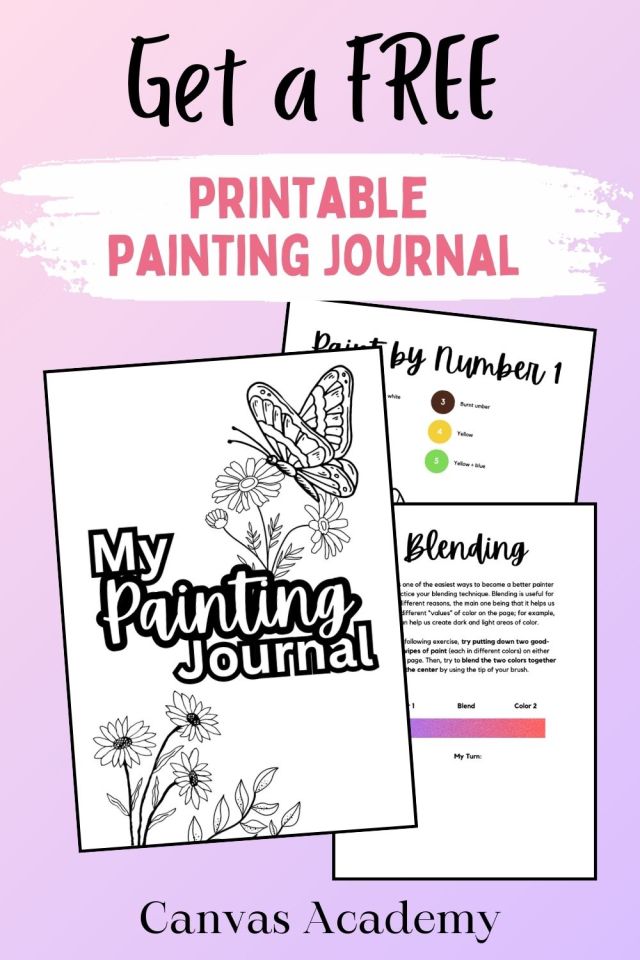

You can also explore hundreds of hours of painting video tutorials through Canvas Academy, including both free and premium painting classes.
Now, go and get that BINGO, fellow artists!
–Kari